How To Use the Substack App
... to make Substack more enjoyable

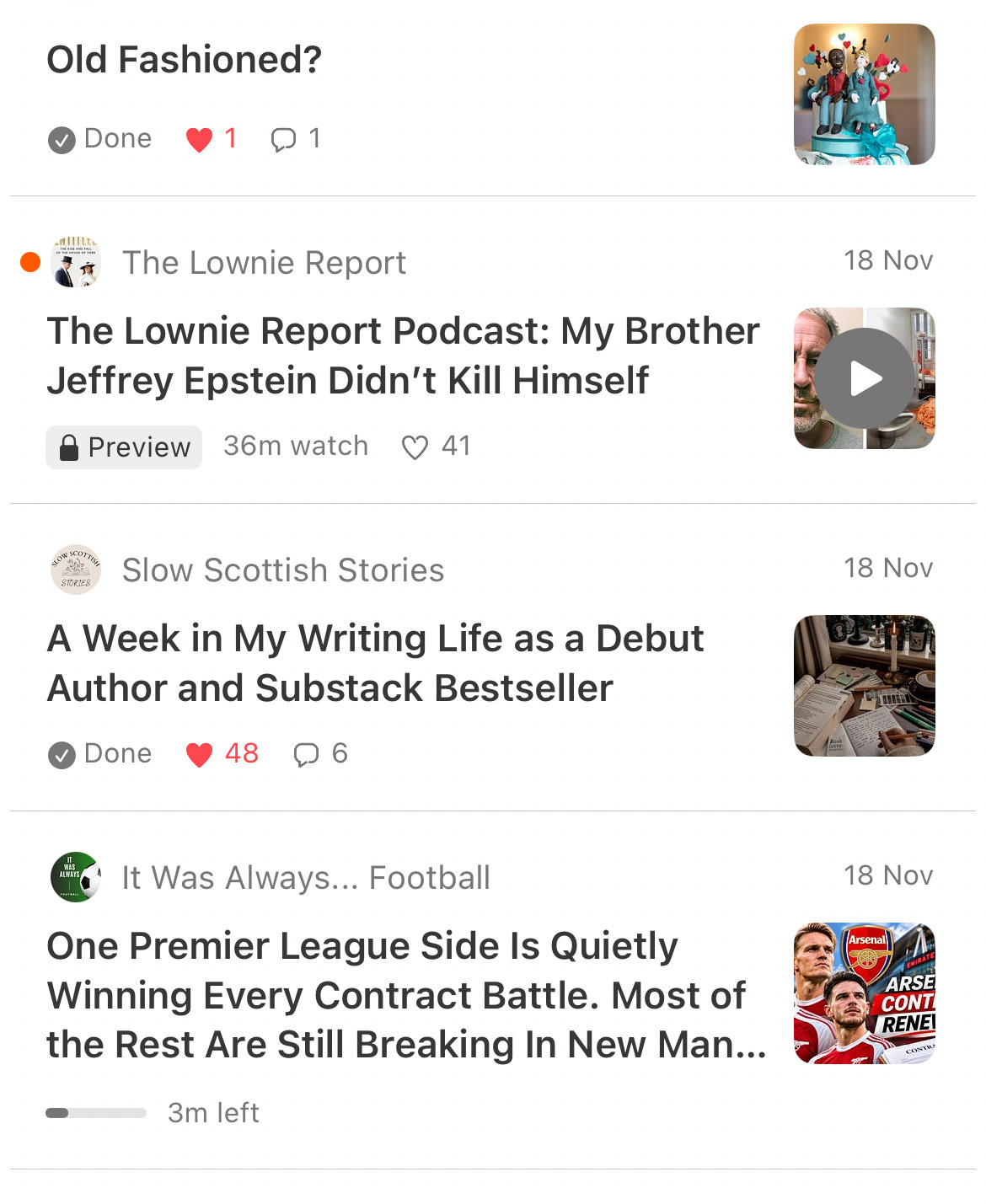
Substack is growing and many features have been added since I started here six years ago, on 20th November 2020, when I published my first article.
One of the ways to get more from Substack is to use the app, available for both Apple (IOS) and Android devices. Some who download the app find that in can be a little overwhelming to see so many Notes, and not know how to hide those from people they don’t follow.
I will show you how to sort out that issue right at the start of this video. I will also show you how you can manage the emails you receive, and move from having messages in your inbox to none at all if you wish. You will be able to read the stories from those you subscribe to in the app without spending time finding them.
If you haven’t downloaded the app, please use the link below.

The app is certainly a good way to stay connected with your favourite Substack authors and podcasters without getting overwhelmed with notifications. If you have any questions, please feel free to leave a comment and I will try to answer it as soon as I can.
Discussion about this post